Agent
Ask a question, request a design change, generate an option or edit the model. BIMIQ works on the project itself and shows you what it changed.
Agent task video
01Research
Gather and organize project information.
02Design
Reason about space and revise the design.
03BIM
Query and edit elements and their data.
04Present
Create and arrange outputs.
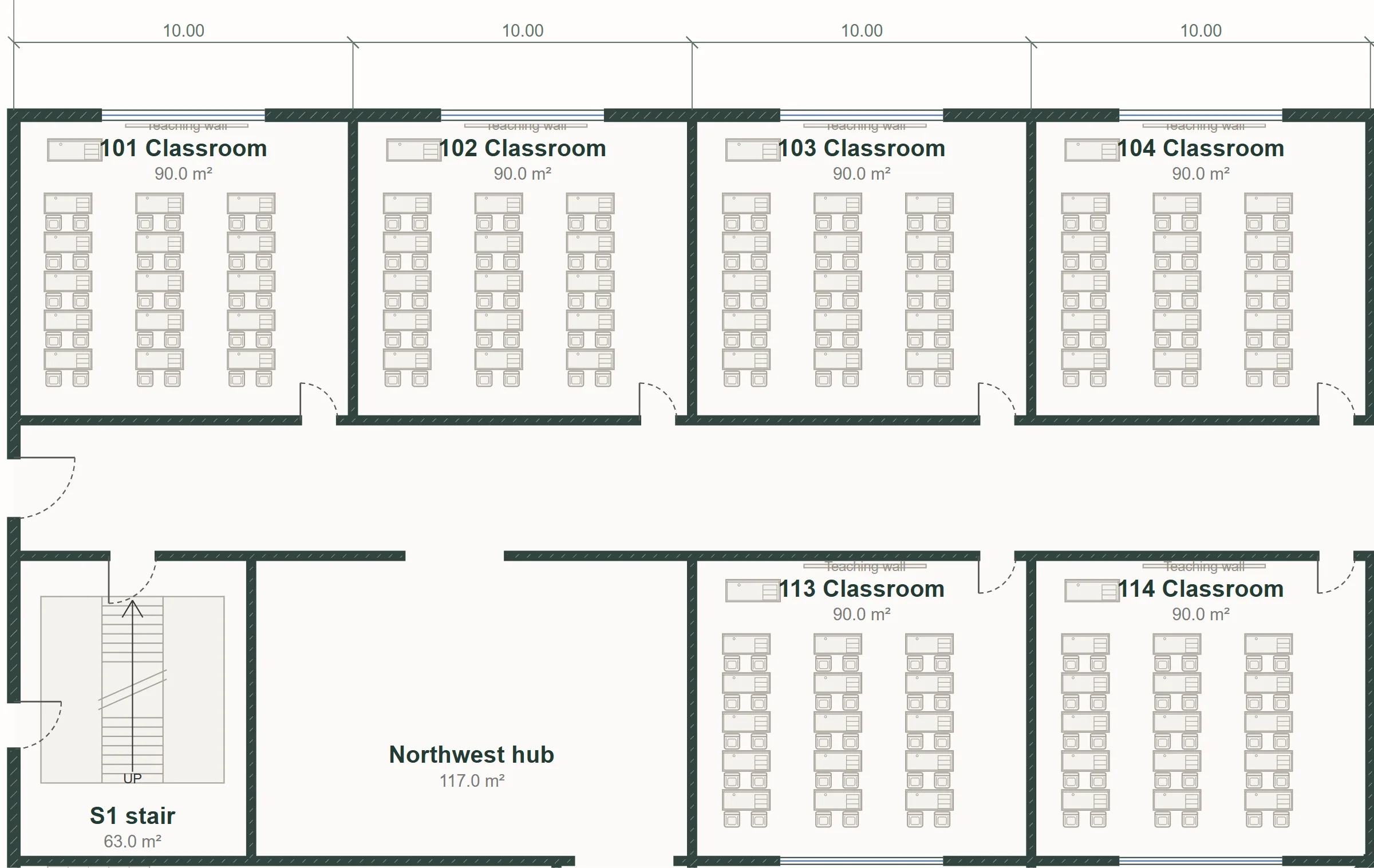
For bigger tasks, BIMIQ shows the objective, the context it used, the work, the checks and the result. No hidden changes.
Objective
Furnish every 30-seat classroom.
Context
Found 40 classrooms with 30 seats across both levels.
Work
Placed 15 double desks and a teacher desk in each room.
Check
Kept desks clear of doors and teaching walls.
Result
640 items placed from the BIMIQ library.
Point the agent at a level, a wing or a selection, and lock the geometry and decisions that must not change.
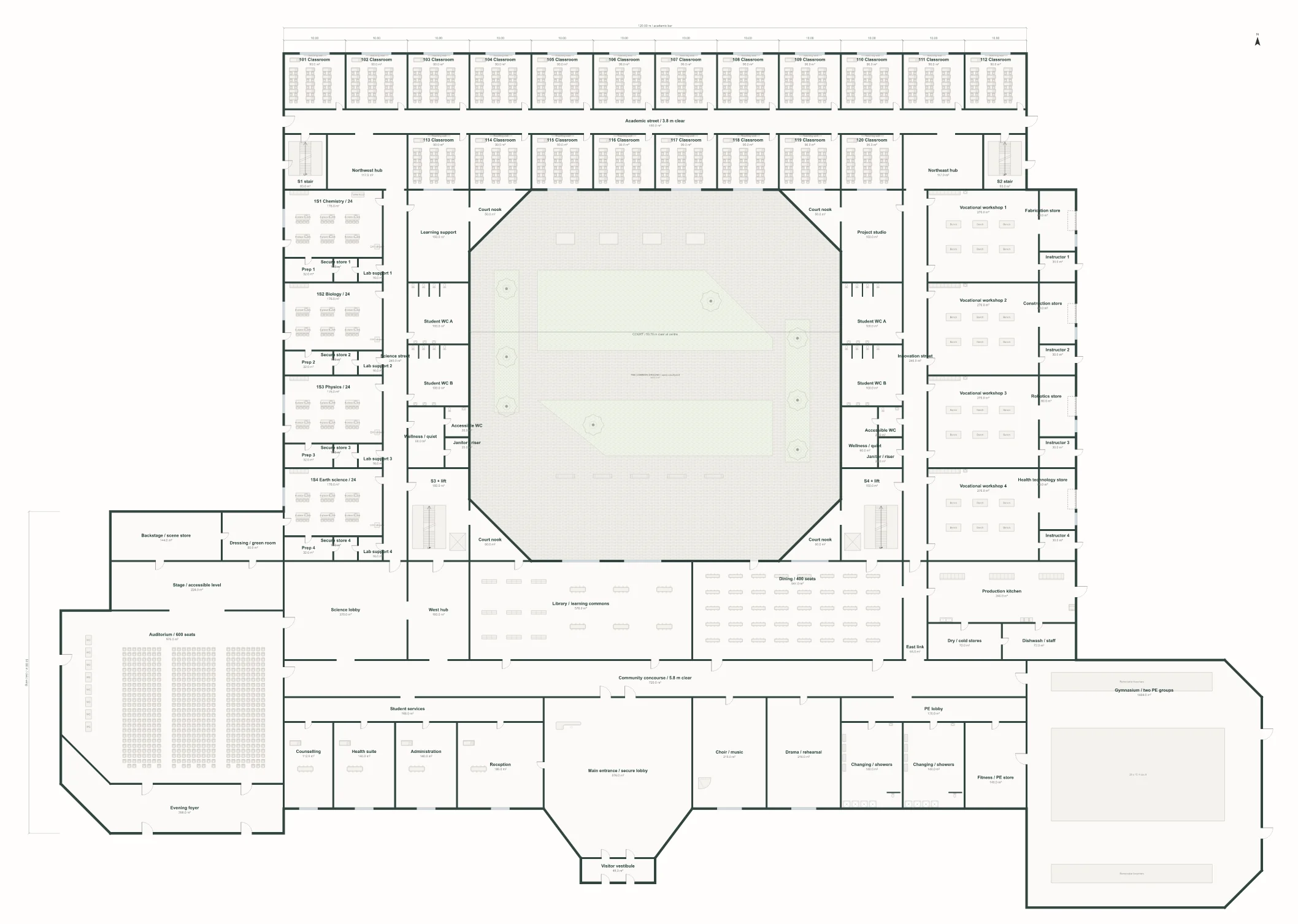
Proposed change
Make the academic wings more compact
Project history
For substantial changes, BIMIQ shows what will be affected first. Every action, yours or the agent's, stays in the project history.
Moving a wall, changing a type or opening a view is instant and never uses credits. The agent is there for work that needs reasoning.
Instant, no credits
Agent work, uses credits
Bring the project, and BIMIQ will take it from research to a model you can keep editing.
